
Payment
Please use Zelle to make payments by sending payments to: glenedenpayments
How to use zelle for GE:
When you go to add Glen Eden as a recipient, you need to select that we are a business instead of an individual.
Once that is done, you can select identifying us by cell phone number, email, or "tag". Select "tag" and use the word: glenedenpayments. (no spaces, no periods)
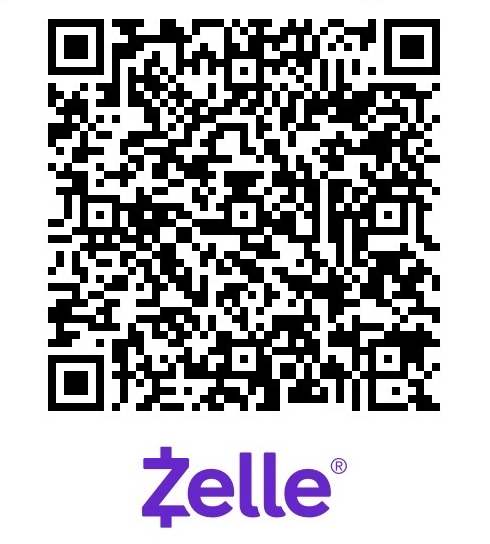
If you prefer, you can also use this form below to make a payment to Glen Eden. Please include the invoice number in the comment field.